If your firm had a lawyer's professional liability policy placed with ALPS Insurance Agency, and not ALPS Property & Casualty Insurance Co., we do not currently provide online access. We are working on that benefit and will update you as soon as it is available. To confirm, please check your declarations page.
To log into your ALPS Account Center.
Thank you for being an ALPS customer! If you are a first time policyholder, your access begins when your policy is issued - typically within two business days of purchasing the policy. Once the policy is issued, you’ll receive your instructions on how to log into your account center for the first time.
If you cannot remember your password.
-
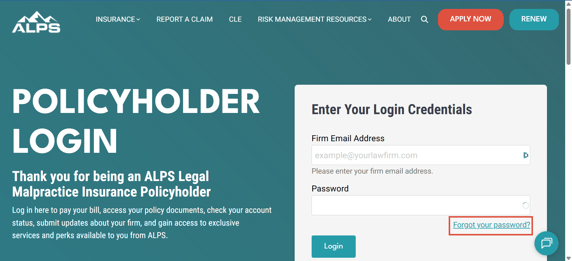
Please visit the account center login page
-
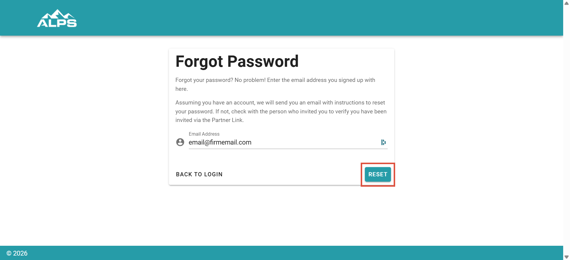
Click "Forgot your password?" You will need the email address used for the attorney designated as your firm’s Insurance Contact on your original application.
- Enter in the email address and click Reset